

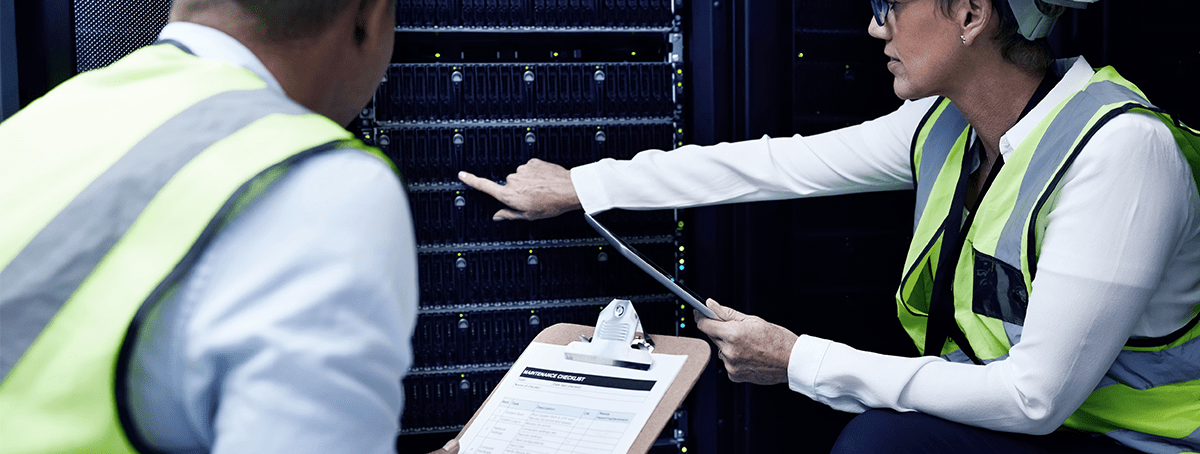


The difference between a disruption and a disaster is how fast you recover. Power failures, ransomware events, hardware faults, and regional outages are not theoretical risks they are operational realities that every business running on cloud infrastructure needs a tested plan for. Officebridge Disaster Recovery maintains continuously synchronized hot replicas of your environment, ready to take over the moment your primary instance becomes unavailable without manual intervention, without waiting for a support ticket, and without data loss beyond the last replication cycle.
Whether your business operates under a formal recovery time objective, carries client contractual obligations around availability, or simply cannot afford unplanned downtime Disaster Recovery gives your leadership team a guarantee they can rely on, backed by infrastructure that has already been tested to deliver it.
What We Offer
Hot Replica Failover
- Continuously synchronized instance replicas
- Automatic failover with no manual trigger required
- Recovery time objective under 60 minutes
- Replica hosted in a geographically separate region
- Failover event logging with full timeline report
Business Continuity Protocols
- Documented recovery runbooks per environment
- Scheduled failover testing without live disruption
- Defined RTO and RPO targets per instance tier
- Incident escalation paths with named contacts
- Post-recovery root cause and impact reporting
Availability Monitoring
- 24/7 instance health and availability monitoring
- Automated detection of degraded instance states
- Immediate admin and security team notification
- Uptime reporting dashboard with SLA tracking
- Monthly availability summary reports on request
Infrastructure & Standards We Build On
99.9%
Guaranteed Uptime
<60 min
Recovery Time Objective
500+
Failover Tests Completed
Book a 30-min call with our team.
Frequently asked questions!
-
What is the difference between Disaster Recovery and Automated Continuity?
Automated Continuity focuses on backup and restoration — recovering data from a previous known-good state. Disaster Recovery goes further by maintaining a live, continuously synchronized replica of your entire environment that can take over operations automatically when your primary instance fails, with a defined and tested recovery time objective.
-
What triggers a failover?
Failover is triggered automatically when our monitoring systems detect that a primary instance has become unavailable or has degraded below a defined availability threshold. Your admin team is notified immediately, and the event is logged with a full incident timeline.
-
How is my recovery time objective defined?
RTO targets are established during onboarding based on your environment configuration and chosen service tier. We document the target, test against it during scheduled failover drills, and report on actual recovery performance after any live incident.
-
Can I test the failover process without disrupting live operations?
Yes. We perform scheduled failover tests in an isolated environment that mirrors your live instance. You receive a full test report including recovery time, data integrity verification, and any configuration observations — without any impact on your active users or operations.
-
What happens after a failover how do I get back to my primary instance?
Once the root cause of the original incident is resolved and the primary environment is restored, we perform a controlled failback to return operations to the primary instance. Your team is kept informed throughout, and a post-incident report is delivered within 24 hours of resolution.
Ready to Start?
Let's make sure your business has a tested plan for the day something goes wrong.
Book a 30-min call with our team.